Share the latest updates from inZOI with your friends!
Patch Notes
2026.10.15
[v0.11.0] Mini Update Patch Notes
◆ Update Information
◽️ Patch Date: October 15, 2026
◽️ Build Version:
Windows PC Steam: 20261013.16166.W
Mac Steam: 20261013.16167.M
- Mac App Store: 5.4.83 (0.296.129) / 20261013.16168.M
<inZOI v0.11.0 Mini Update>
■ Mods
[ModKit]
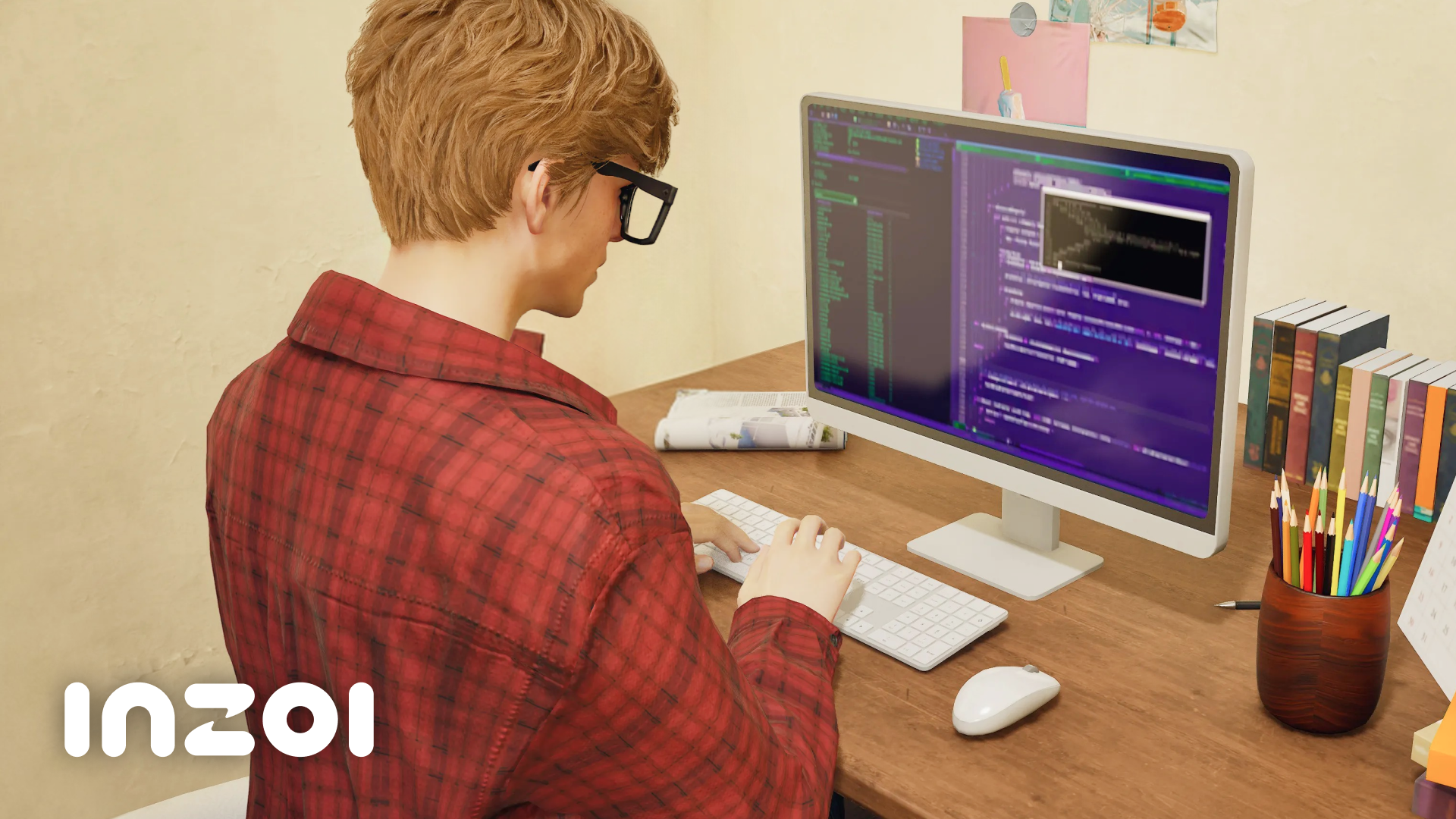
Script mod (Lua) support has been added.
Written Lua scripts can be applied to mods with the Lua script mod editor in the ModKit.
Filter mod support has been added
Custom graphics filters can be created to become selectable from the game.
Sample assets for 6 business display stands, 2 vehicles, and 1 swimming tube have been added.
Headwear wizard has been added.
Vehicle wizard’s parts hierarchy and selection/editing UX have been improved.
Response times when changing settings and processing speeds for mesh imports have also been improved.
Step-by-step wizard UI/UX that’s currently available for vehicles has been added for the build category.
When importing a character skeletal mesh, 4 levels of LOD matched to the body are automatically created.
When importing custom body or head mesh, Nanite applications are detected and informed to the user of the risks involving transparent material rendering errors.
A shortcut menu has been added to quickly open content browser 1~4 next to the top home button.
‘Don’t show again’ option has been added to the share info popup that appears when packaging mods.
[In-game]
Lua script modding can be done with the help of an LLM using the in-game MCP.
For more information on how to use MCP in inZOI, please refer to the MCP guide video.
New CLI commands have been added for adjusting the maximum number of cars and Zois.
These commands can be run by either writing out the actual commands or by requesting them to your LLM using natural language (ex. “Make the maximum number of Zois in the city to 10.”) via the MCP.
For more information on CLI in inZOI, please refer to the ModKit documentation.
Custom names can be set for installed mods from the [Mods] menu in the main lobby.
Overlay UI mods can be toggled on/off using the dedicated interface.
Toggling mods on/off, setting load order, and other management of mods have been modified to reduce the risk of file corruptions.
■ Create a Zoi
[New Items]
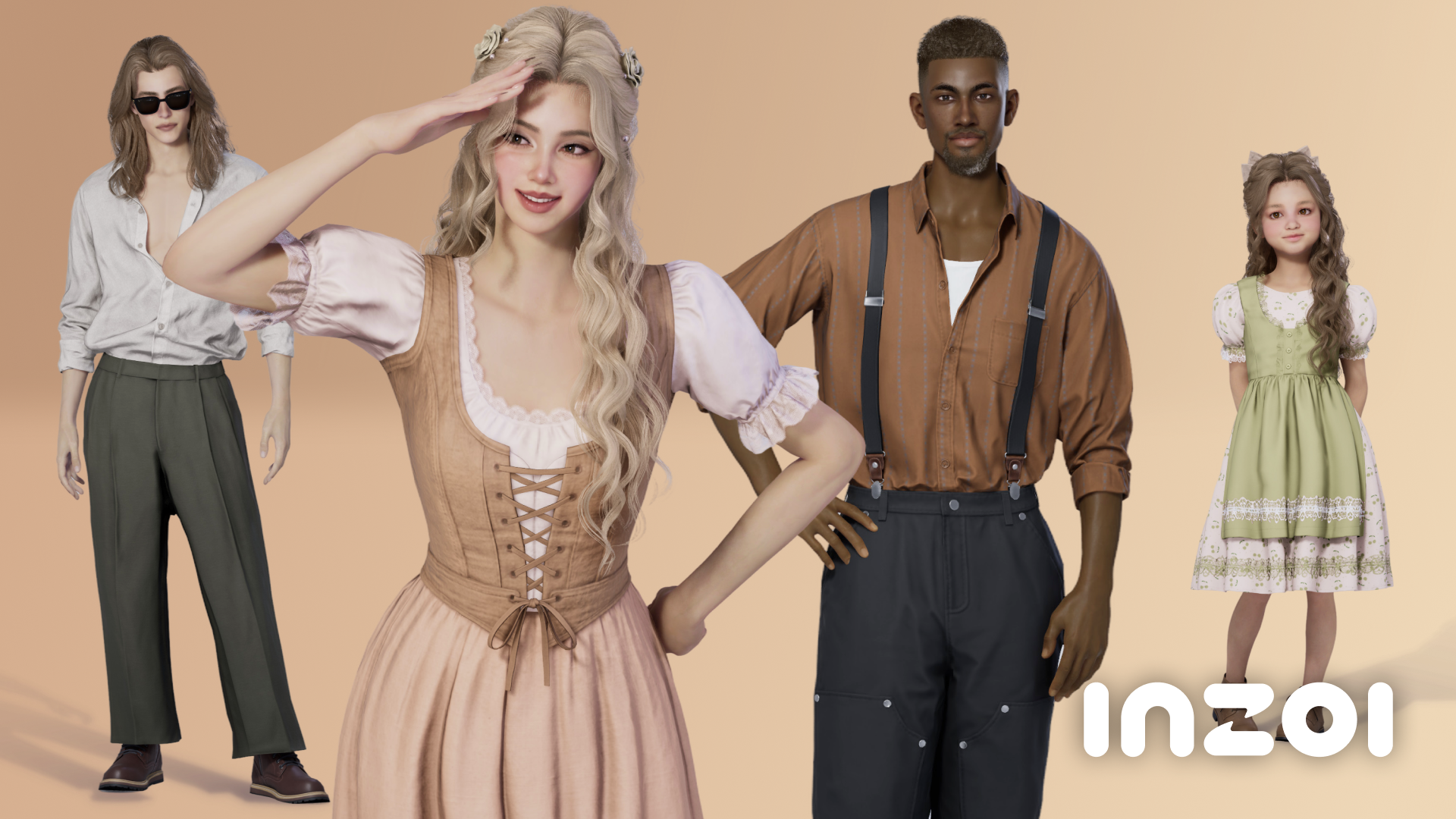
Hairstyles: 5
Facial hair: 3 mustaches, 3 beards
Makeup: 3 presets, 1 blush, 1 eye shadow, 1 eyeliner
Themed outfit: 1 top, 1 outerwear, 4 sets
Regular outfit: 1 top, 3 outerwear, 1 set, 5 bottoms, 3 shoes
Accessories: 5 masks
[Improvements]
Preferences can be set in Create a Zoi.
Household relationships can be viewed, and relationship levels can be adjusted in Create a Zoi.
Outfit presets have been modified.
New poses have been added.
■ Build Mode
[Improvements]
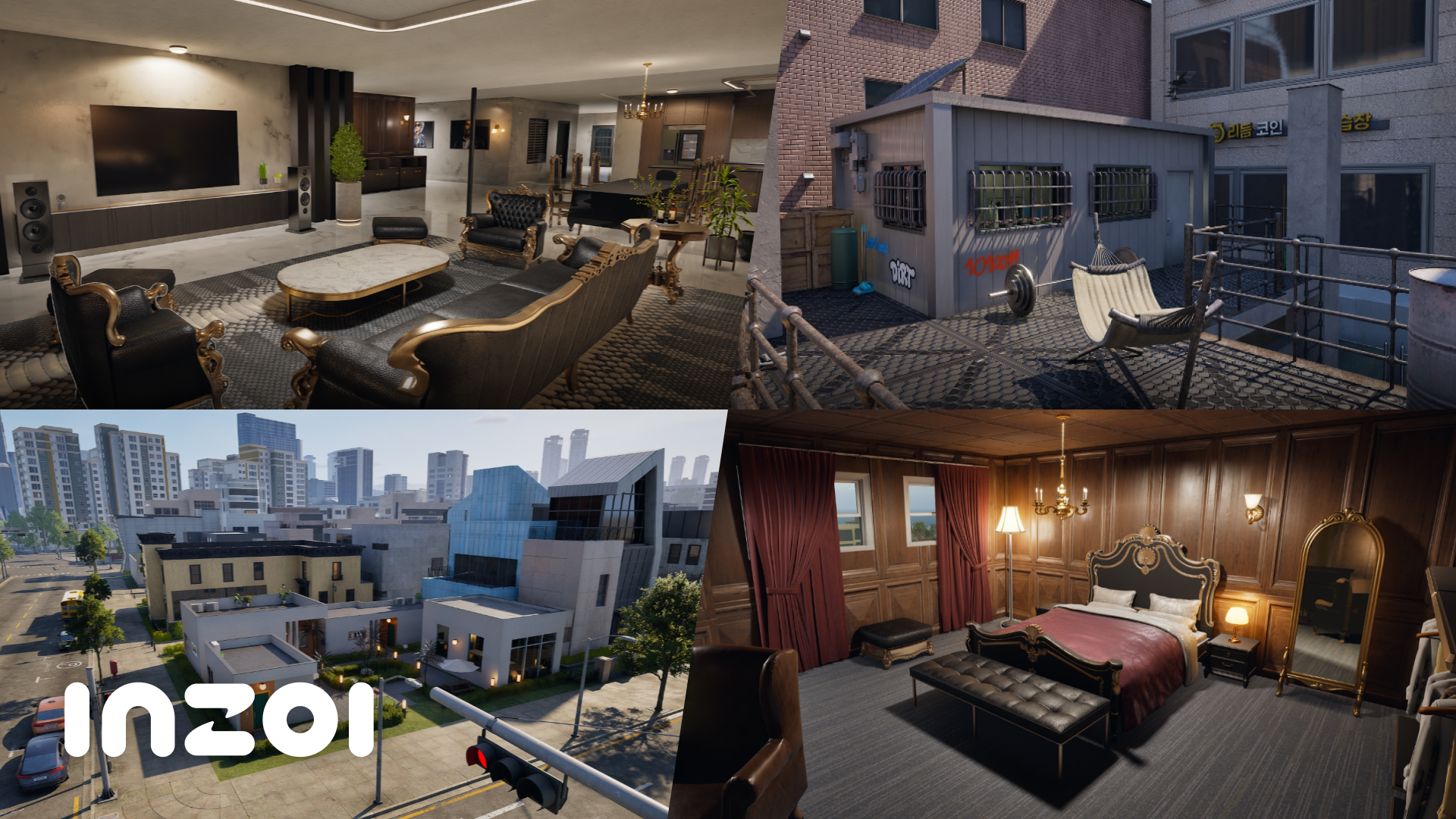
Some residential properties in Dowon have been modified.
Autonomy plans can be set for public properties.
Set autonomy plans take effect only for Zois who has a schedule at the set property.
Permissions for individual furniture can be set in Build Mode, and preferred activities for each individual can be selected as well.
Door permissions can be independently set for individual household members.
Walls can be edited in basement floors.
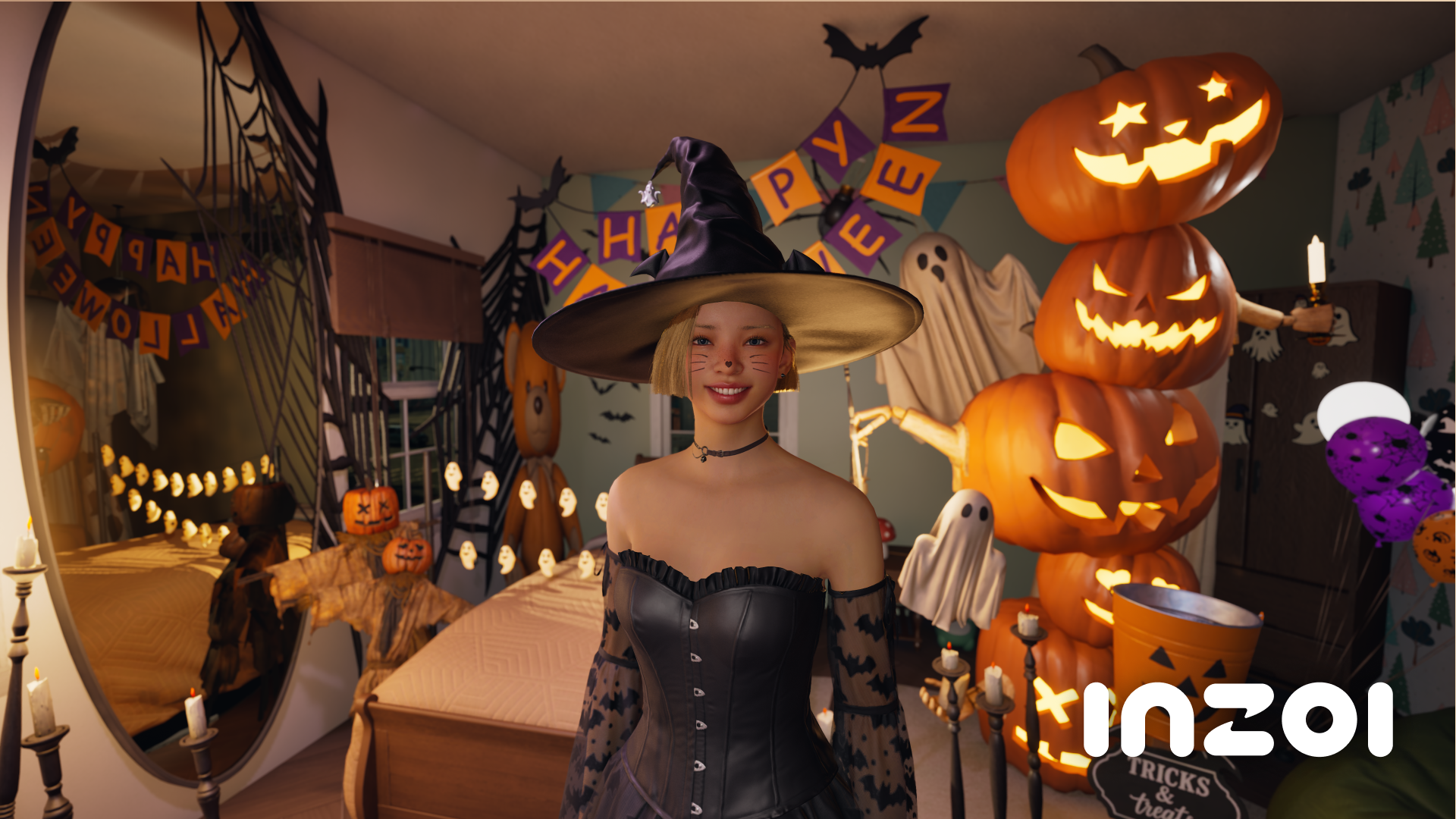
Free positioning and free scaling of objects can be enabled by entering the EnableFreeEditMode (True/False) cheat.
[New Items]
Objects (Interaction): 106
Objects (Build Mode): 7
FX (Build Mode): 124
These can be found under the WIP category after activating the ShowUserDevCategory cheat.
Tile textures: 2
■ Gameplay
[Business]
When applying the premium restaurant template, employees are automatically assigned with restaurant-related roles and any missing employees will be filled with new hirings.
The current business template can be reset without selling and repurchasing the business.
When assigning certain roles to an employee, their expertise in that role is displayed first.
An employee can be replaced with another Zoi without firing them.
[Others]
To celebrate the Dinkum x inZOI Limited-Time Bundle on Steam, a Dinkum T-shirt and a “Play Dinkum” PC interaction have been added.
For more information, please refer to Dinkum’s news post.
When typing a cheat, auto-complete suggests the entire cheat to make the process easier.
First person view can be used while surfing and swimming underwater.
■ Simulation
[Interaction]
Holding hands animation has been modified.
If a Zoi falls behind while holding hands, the Zoi at the front waits for them to catch up.
The height of the holding hands varies based on the distance between the two Zois.
If a Zoi holds hands while holding an umbrella, the umbrella will be put away.
Loading into a save file with two Zois holding hands maintains the hand holding position.
Various aesthetic issues related to holding hands have been resolved.
Please note that there are still unresolved technical issues related to holding hands, including when using the interaction at game speeds higher than 1x.
First aid kit has been added as a Build Mode item that can be used to cure various diseases.
When not afflicted with a disease, Zois cannot take medicines, but Zois who are young adults and older can check the contents of the first aid kit.
Gaining skill experience will be displayed as an icon above the Zoi’s head.
Zois appear more natural and relaxed when taking a bath.
Vehicles no longer appear right in front of the player’s driving path.
[Social Event]
Social events begin only after all participants have arrived.
Participants move to their designated locations rather than all waiting at the entrance.
Party events progress faster than previously.
Zois participating in important events and player-organized events do not leave.
The controlling Zoi can help if a fire breaks out in player-organized events.
[NPC]
Unique NPC Zois have been modified to include new descriptions for each household and fitting appearances, traits, characteristics, skills, and ambitions for each household member.
Relationships between household members are explained in greater detail in relationship logs and milestones.
Resuming a previous save file displays only the updated household photos and descriptions, and a new save file must be created for the rest of the modifications to be applied in the game.
If a new household photo is taken on a previous save file, the updated photo will be replaced with the previous NPC appearances.
The ability to edit a household description will be added in a future update.
[Autonomy]
Zois autonomously visit other households and participate in more fitting activities within these houses.
If a visitor is not welcomed, the owner of the house may ask them to leave.
After arriving at a property destination, the Zoi enters the property.
Zois initiate conversations with other Zois that align with their relationships and each Zoi’s current emotion.
When running into a Zoi they know, Zois autonomously greet one another.
When there are multiple objects of the same type, the object in closer proximity will be selected for interaction.
■ Canvas
Selected preferences are applied when uploading a Zoi preset.
Set autonomy plans are applied when uploading a property preset.
■ Bug Fixes
A detailed list of bug fixes is available on the official inZOI Forum.
If you discover any bugs or errors during gameplay, please report them via the Bug Reports page on the official inZOI Forums.
Your feedback greatly helps us improve the game.
![[v0.10.4] Hotfix Details thumbnail](https://wstatic-prod-boc.krafton.com/common/content/news/20260916/cbmxOOhJ_thumb.png)
![[v0.11.1] Hotfix Details thumbnail](https://wstatic-prod-boc.krafton.com/common/content/news/20261020/UAGAcGun_thumb.png)