Mods
inZOI allows Creators to shape their own worlds and forge their own unique stories.

Use the ModKit to find and download mods that are brimming with creativity. Mods created by the community can be easily downloaded, installed, and managed in-game.
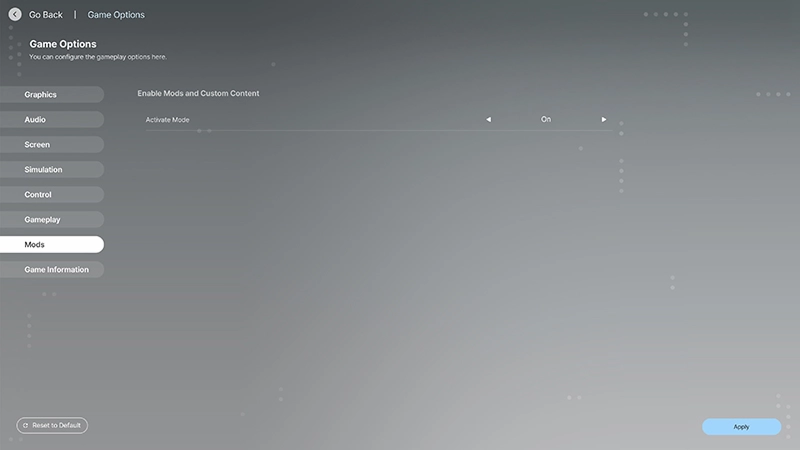
Enable or disable mods by changing the Enable Mods setting under Game Options > Mods.
This setting is enabled by default, allowing all mods to be applied. Turning it off will disable all mods.

Go to the Mods menu in the Lobby.
After enabling mods in Options, go to the Mods menu in the Lobby.
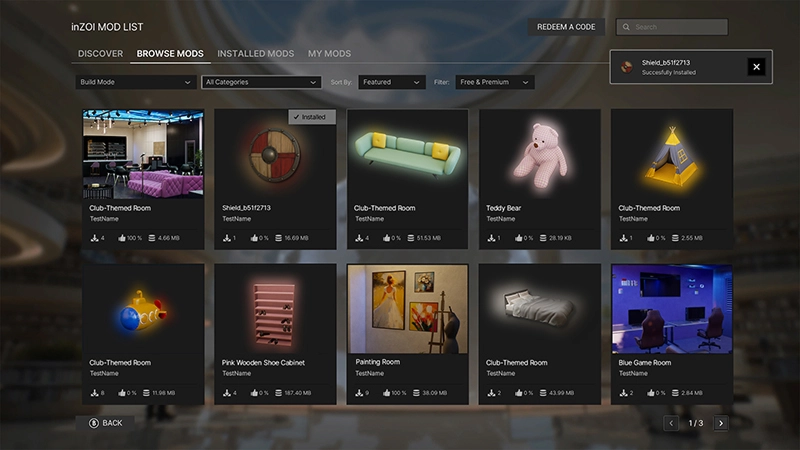
Discover and install mods from the community.
Mods from the community can be found and downloaded in-game.
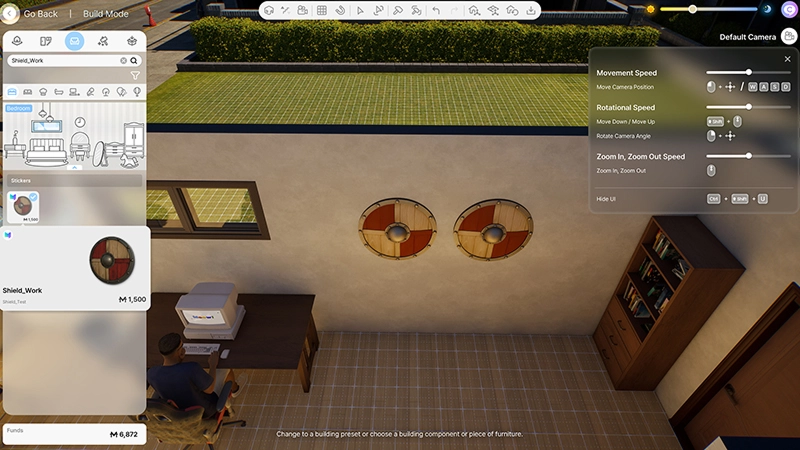
Apply installed mods to use them in-game.
Restart the game to apply the installed mods. Once installed, mods can be viewed from the Outfits or Furniture menus.